Guides to school device management
Plain-English guides for heads, business managers, DSLs and IT leads. Each one lists the official pages its facts come from, with the date we checked them.
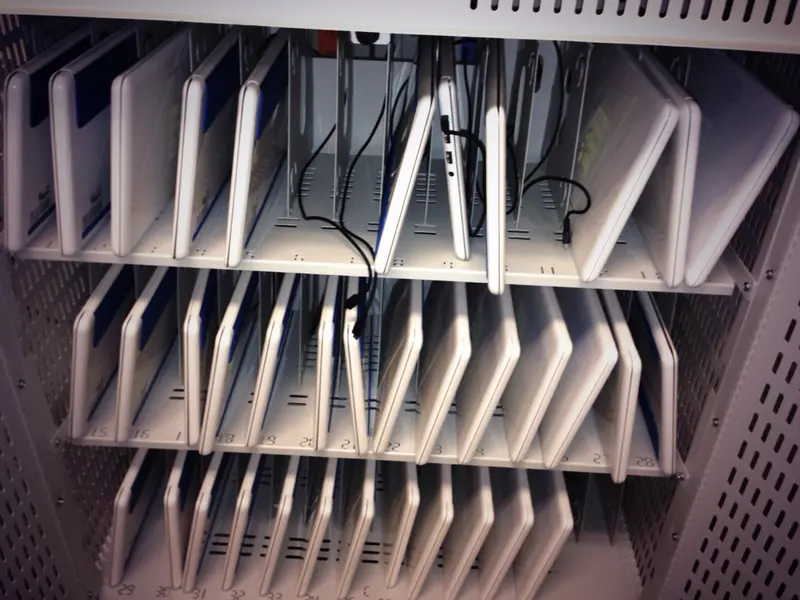 What MDM is, and why schools use itMobile device management in plain English: what it does for school iPads, Chromebooks and laptops, what the DfE standard says about it, and what it does not do.
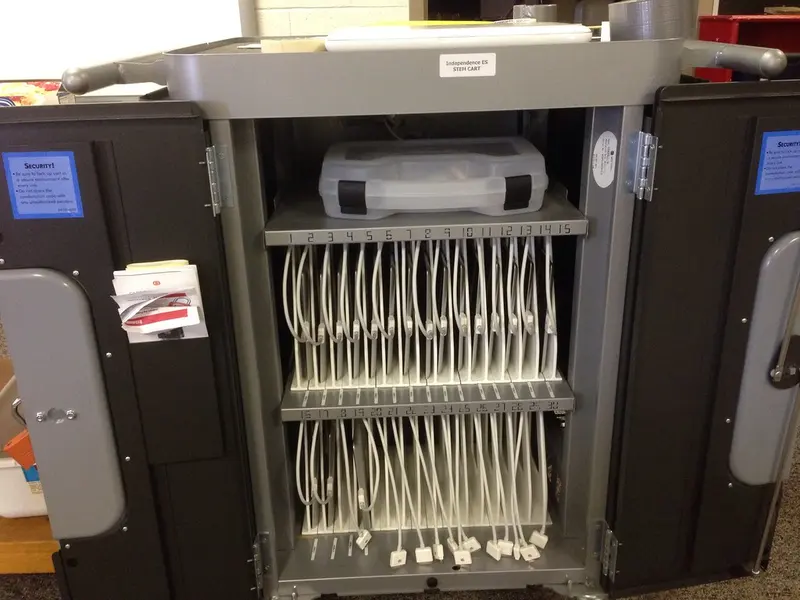 Apple School Manager and MDM, explainedHow Apple School Manager, a device management service and Automated Device Enrolment fit together for school iPads and Macs — plus Managed Apple Accounts, Shared iPad…
Photo: Wesley Fryer, CC BY 2.0
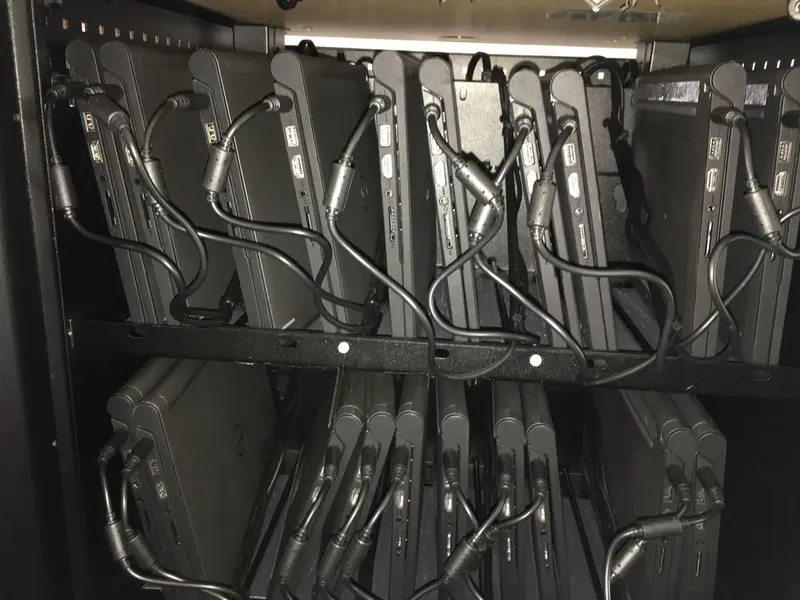 Managing Chromebooks with the Google Admin consoleChromeOS Education Upgrade, enrolling before anyone signs in, forced re-enrolment, the 10-year Auto Update policy, shared Chromebooks and deprovisioning — from Google’s…
Photo: Wesley Fryer, CC BY 2.0
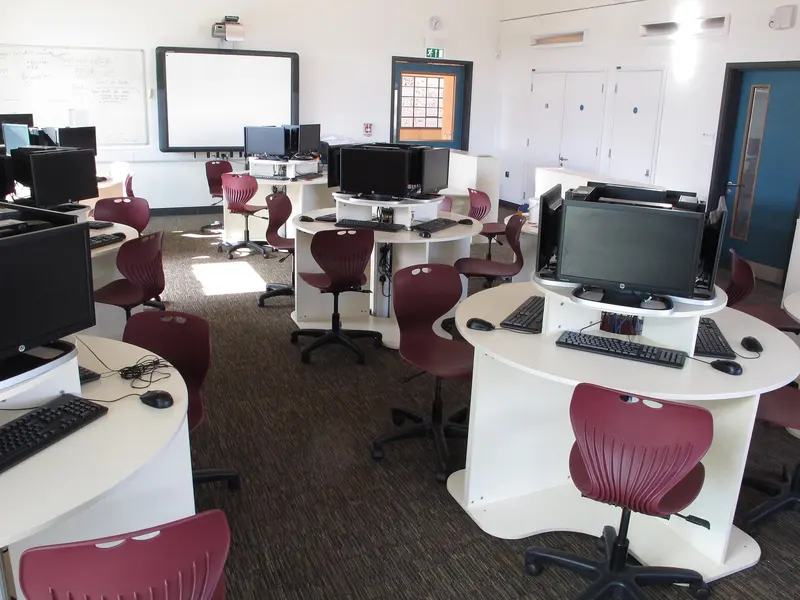 Microsoft Intune for Education: an overviewWhat Intune for Education manages, the ways to enrol school PCs and iPads, remote actions, shared Windows PCs — and the end of support for Windows 10 and Windows 11 SE.
Photo: David Hawgood, CC BY-SA 2.0
 The DfE standards and KCSIE: what they say about devicesThe DfE digital and technology standards and Keeping children safe in education 2026, focused on what they mean for school devices: central management, filtering and…
Photo: Sebastiandoe5, CC BY-SA 4.0
 Shared or 1:1 devices? How MDM handles eachClass sets on a trolley, or one device per pupil? What Apple, Google and Microsoft each offer for shared devices, and what changes when devices go home.
Photo: Ekopodebrady, CC BY-SA 4.0
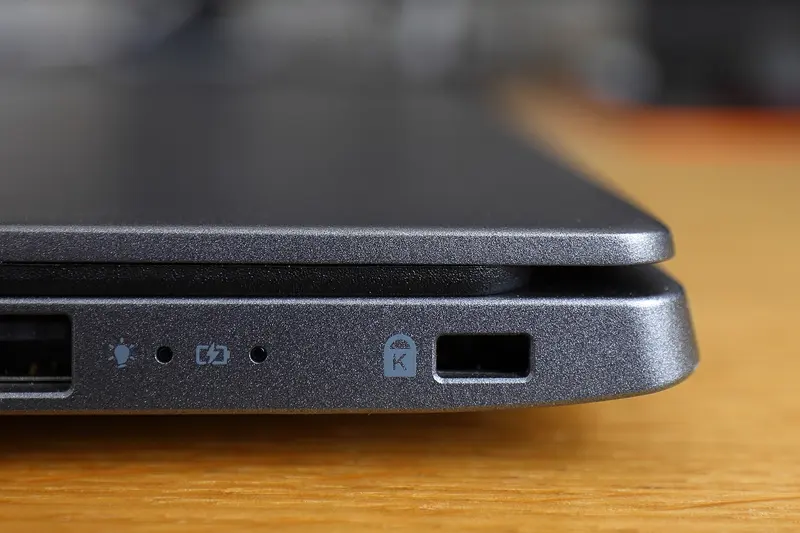 Asset registers, labels and locks: keeping track of school devicesWhat the DfE says an asset register should hold, how labels and MDM records work together, and the three kinds of laptop lock slot.
Photo: Bobulous, CC BY-SA 4.0
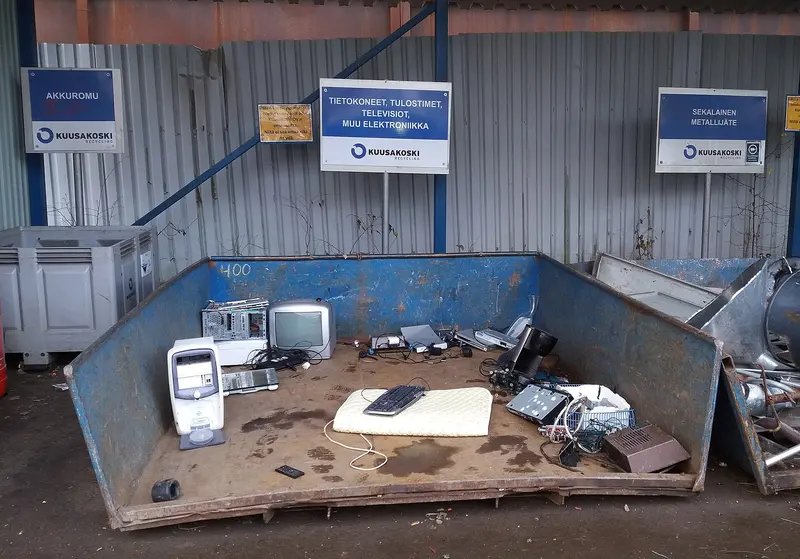 Retiring school devices safely: wiping, releasing and recyclingWhat the DfE expects when devices leave the school, how to release them from Apple, Google and Microsoft management, NCSC advice on wiping data, and the WEEE rules.
Photo: Tiia Monto, CC BY-SA 4.0
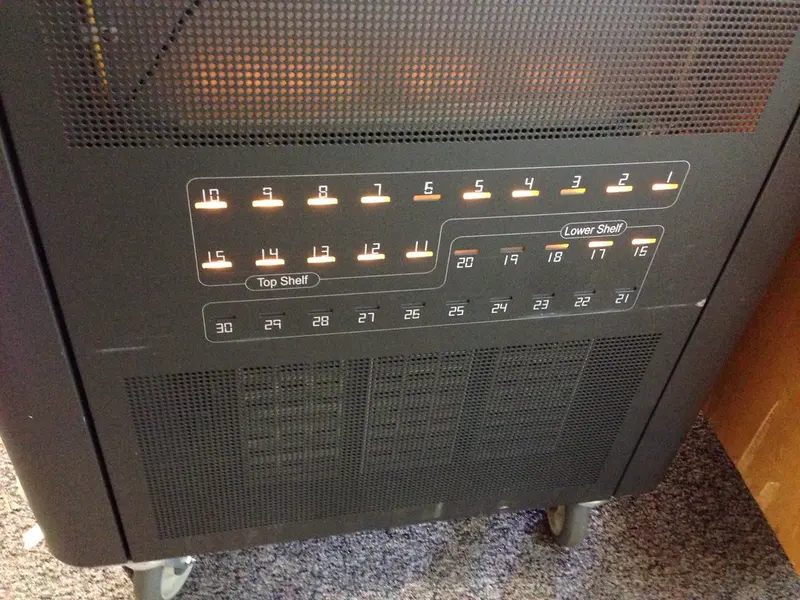 Charging trolleys and cabinets: what to checkCapacity with cases, mains or USB-C charging, power management, ventilation, locks and cable tidiness — plus what HSE says about portable appliance testing and what the…
Photo: Wesley Fryer, CC BY 2.0
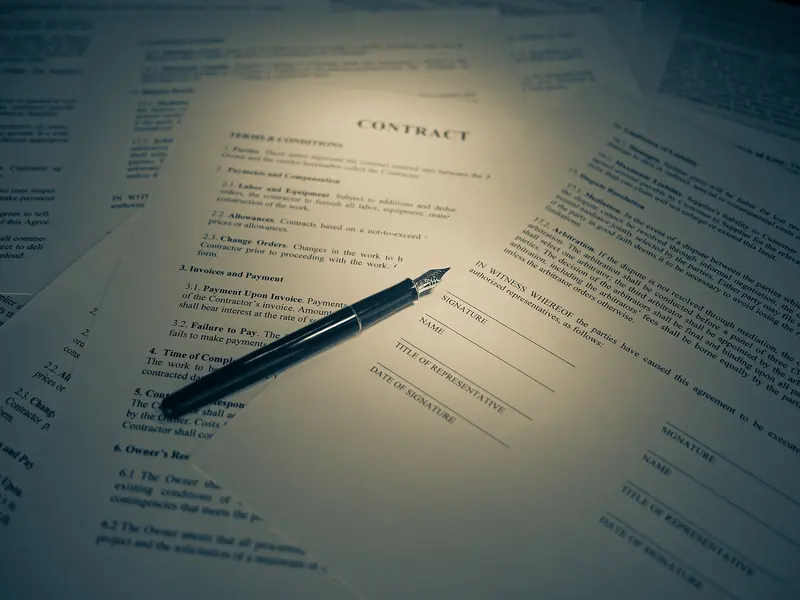 Paying for devices and MDM: buying routes and funding questionsHow schools can buy devices, licences and kit compliantly: planning first, DfE-approved frameworks, quotes and tenders, licence terms, total cost — and why we don’t…
Photo: Blogtrepreneur, CC BY 2.0