

School MDMdevice management, explained

Independent guide for UK schools

Mobile device management for UK schools, explained

Plain-English guides to managing iPads, Chromebooks and Windows laptops in UK schools — Apple School Manager, Google Admin, Intune for Education and the DfE standards — plus a guide to the classroom kit that keeps devices charged, safe and labelled.

Start with the guides Browse 42 kit products

Start here: the guides

Ten plain-English guides, each built from the official pages it lists at the end. Read them in order or jump to the one you need.

  1. What MDM is, and why schools use itMobile device management in plain English: what it does for school iPads, Chromebooks and laptops, what the DfE…

    Photo: alicegop, CC BY 2.0

  2. Apple School Manager and MDM, explainedHow Apple School Manager, a device management service and Automated Device Enrolment fit together for school iPads and…

    Photo: Wesley Fryer, CC BY 2.0

  3. Managing Chromebooks with the Google Admin consoleChromeOS Education Upgrade, enrolling before anyone signs in, forced re-enrolment, the 10-year Auto Update policy…

    Photo: Wesley Fryer, CC BY 2.0

  4. Microsoft Intune for Education: an overviewWhat Intune for Education manages, the ways to enrol school PCs and iPads, remote actions, shared Windows PCs — and…

    Photo: David Hawgood, CC BY-SA 2.0

  5. The DfE standards and KCSIE: what they say about devicesThe DfE digital and technology standards and Keeping children safe in education 2026, focused on what they mean for…

    Photo: Sebastiandoe5, CC BY-SA 4.0

  6. Shared or 1:1 devices? How MDM handles eachClass sets on a trolley, or one device per pupil? What Apple, Google and Microsoft each offer for shared devices, and…

    Photo: Ekopodebrady, CC BY-SA 4.0

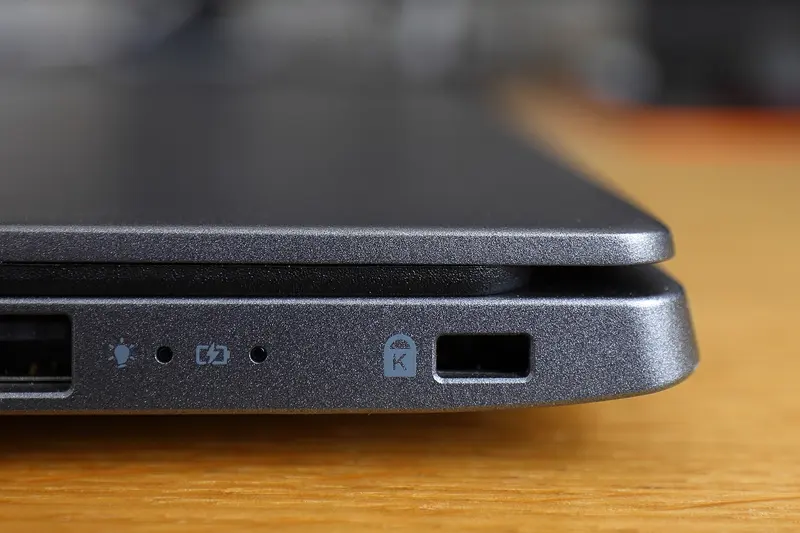
  7. Asset registers, labels and locks: keeping track of school devicesWhat the DfE says an asset register should hold, how labels and MDM records work together, and the three kinds of…

    Photo: Bobulous, CC BY-SA 4.0

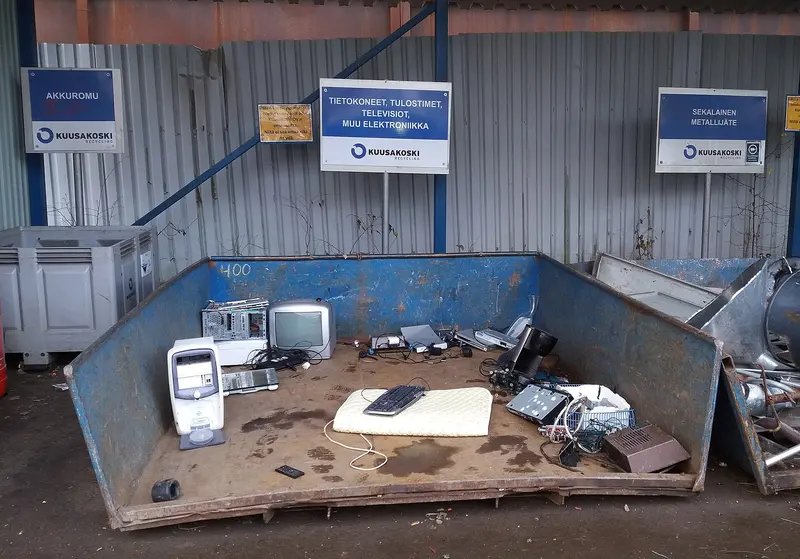
  8. Retiring school devices safely: wiping, releasing and recyclingWhat the DfE expects when devices leave the school, how to release them from Apple, Google and Microsoft management…

    Photo: Tiia Monto, CC BY-SA 4.0

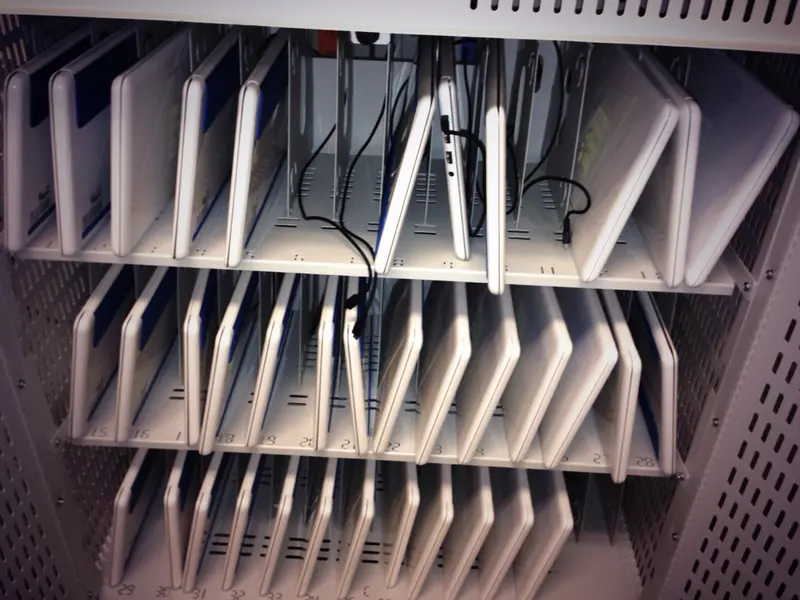
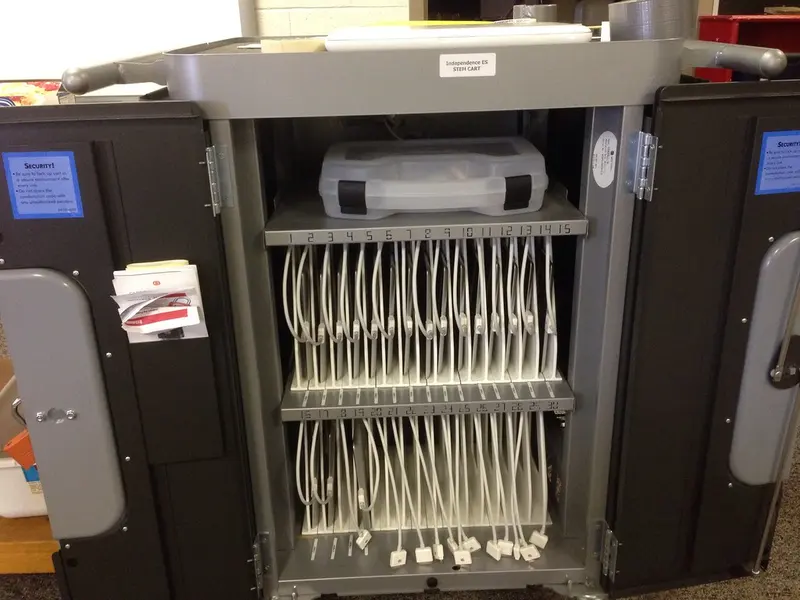
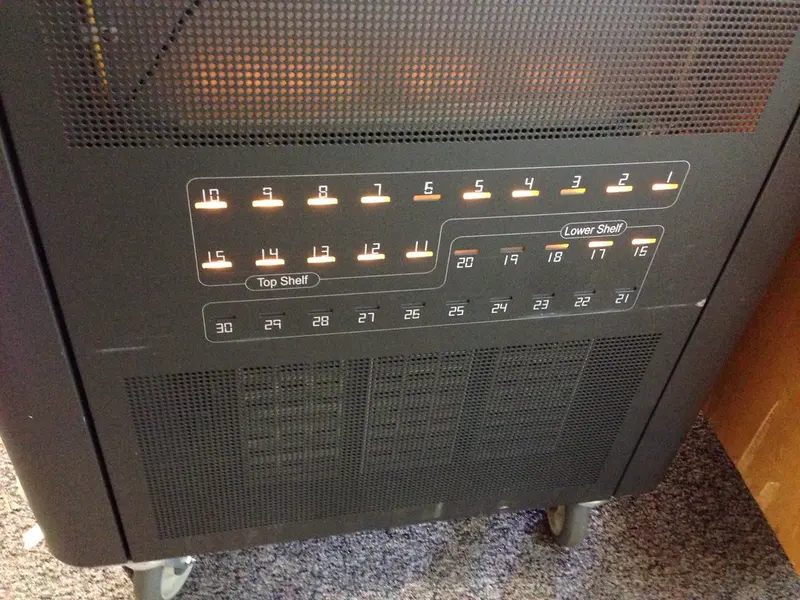
  9. Charging trolleys and cabinets: what to checkCapacity with cases, mains or USB-C charging, power management, ventilation, locks and cable tidiness — plus what HSE…

    Photo: Wesley Fryer, CC BY 2.0

  10. Paying for devices and MDM: buying routes and funding questionsHow schools can buy devices, licences and kit compliantly: planning first, DfE-approved frameworks, quotes and…

    Photo: Blogtrepreneur, CC BY 2.0

What the DfE says, in one line

“Mobile and portable devices should have mobile device management to minimise safeguarding and security risks.”

The DfE standards are for schools and colleges in England. Schools elsewhere in the UK should check their own government’s guidance.

  • Filtering and monitoring should be reviewed at least once every academic year, with checks on all internet-connected devices (KCSIE 2026, para 173).
  • High-risk security fixes should be applied within 14 days of release (DfE cyber security standard).
  • When buying: 3 years of support and security patches for tablets, 5 for laptops and desktops (DfE devices standard).
  • Read the full summary

Classroom kit by type

A few to look at

As an Amazon Associate we earn from qualifying purchases. Amazon links open a search (or a checked product page) on Amazon.co.uk, where you can see the current price, sellers and delivery. We don’t show prices, ratings or Amazon’s photos.

Quick answers

Is School MDM an MDM company?

No. School MDM is an independent guide. We don’t sell, set up or run device management, and we aren’t connected with Apple, Google, Microsoft, any MDM vendor or any business with a similar name. We explain how school device management works, using the vendors’ own documentation and DfE guidance, and we link to classroom kit on Amazon.co.uk.

What does MDM stand for?

Mobile device management: a service that lets IT support set up, configure, update and secure devices from one central console, and lock or wipe them remotely. See What MDM is, and why schools use it.

Do schools have to use MDM?

The DfE standard for laptops, desktops and tablets says devices should be centrally managed by IT support and that mobile and portable devices “should have mobile device management to minimise safeguarding and security risks”. The DfE standards describe its recommended approach. Separately, Keeping children safe in education is statutory guidance that schools in England must have regard to, and it expects appropriate filtering and monitoring on school devices — which MDM usually helps to deliver. See The DfE standards and KCSIE.

Is Apple School Manager an MDM?

No. Apple describes Apple School Manager as a web portal that works with your external device management service. It handles device enrolment, Managed Apple Accounts and buying apps in volume; the MDM applies the settings. See Apple School Manager and MDM, explained.

All questions and answers

Related guides from our sister sites